
Передача доменного имени
A better home for all your domains in three simple steps to get started.

Need domain help?
Large domain portfolio?
Why Pladinum is the best place to buy domains.
Pladinum, where you build your dream matters.
For many years, Pladinum has been by the side of entrepreneurs, helping them turn their dreams into reality. Our friendly platform offers all the tools you need to build your brand, starting with a custom domain name as we grow together — just like a good friend.
Privacy and Security.
Each qualified domain comes with free WHOIS privacy protection, options for two-factor authentication, and an SSL/TLS certificate from Let’s Encrypt to enhance the security of your website.
Simple domain forwarding.
Easily link your custom domain to an existing website using Pladinum hosting or various other website providers.
Email forwarding.
Create a personalized email address using your domain, which includes email forwarding addresses at no additional cost.
Domain forwarding.
Set up a free domain forwarding to redirect traffic to a specific landing page, such as an existing website, social media profile, or any other relevant site.
Discover how easy it is to switch.
We simplify the domain name transfer process for you. Our experts handle everything from start to finish, so you won’t have to worry about any technical details while we take care of it all for you.
PHASE 1
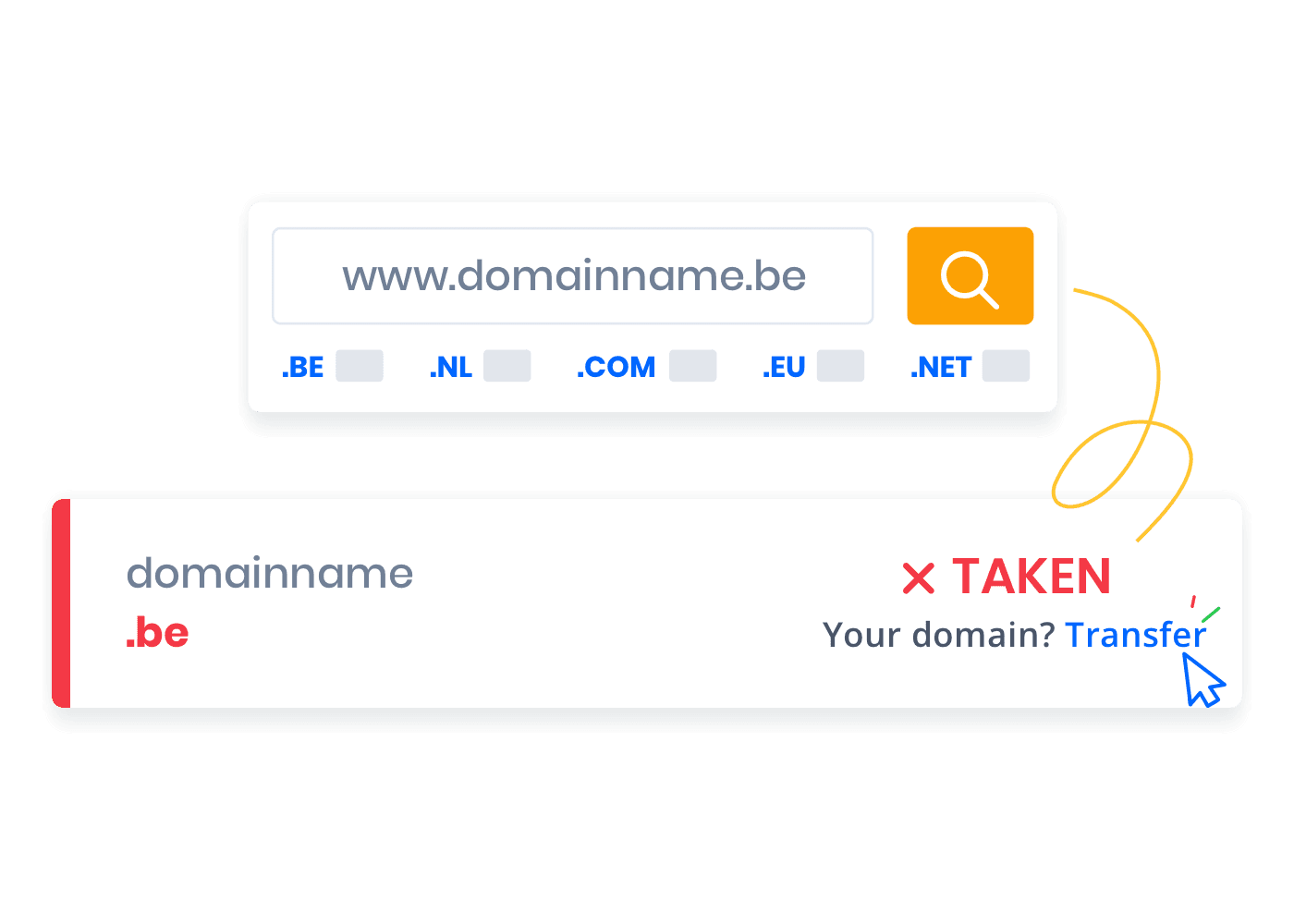
Enter the domain name you wish to transfer.
Please verify the status of your domain name using our domain finder tool. It will indicate that your domain is currently "Taken".
To initiate the transfer process, please click "Transfer".
PHASE 2
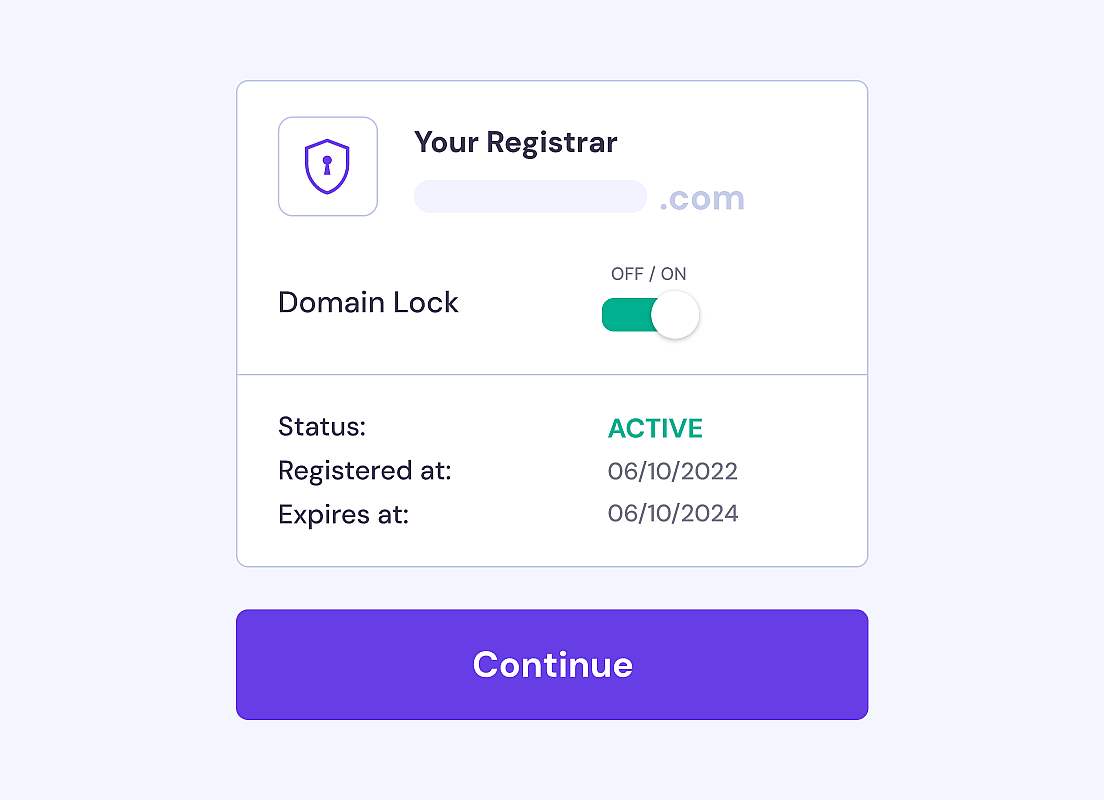
Prepare your domain name for transfer.
To start the transfer, first unlock your domain with your current registrar. This step is important to ensure a smooth transfer to a new registrar.
Ask your current registrar to confirm the domain is unlocked for transfer.
PHASE 3
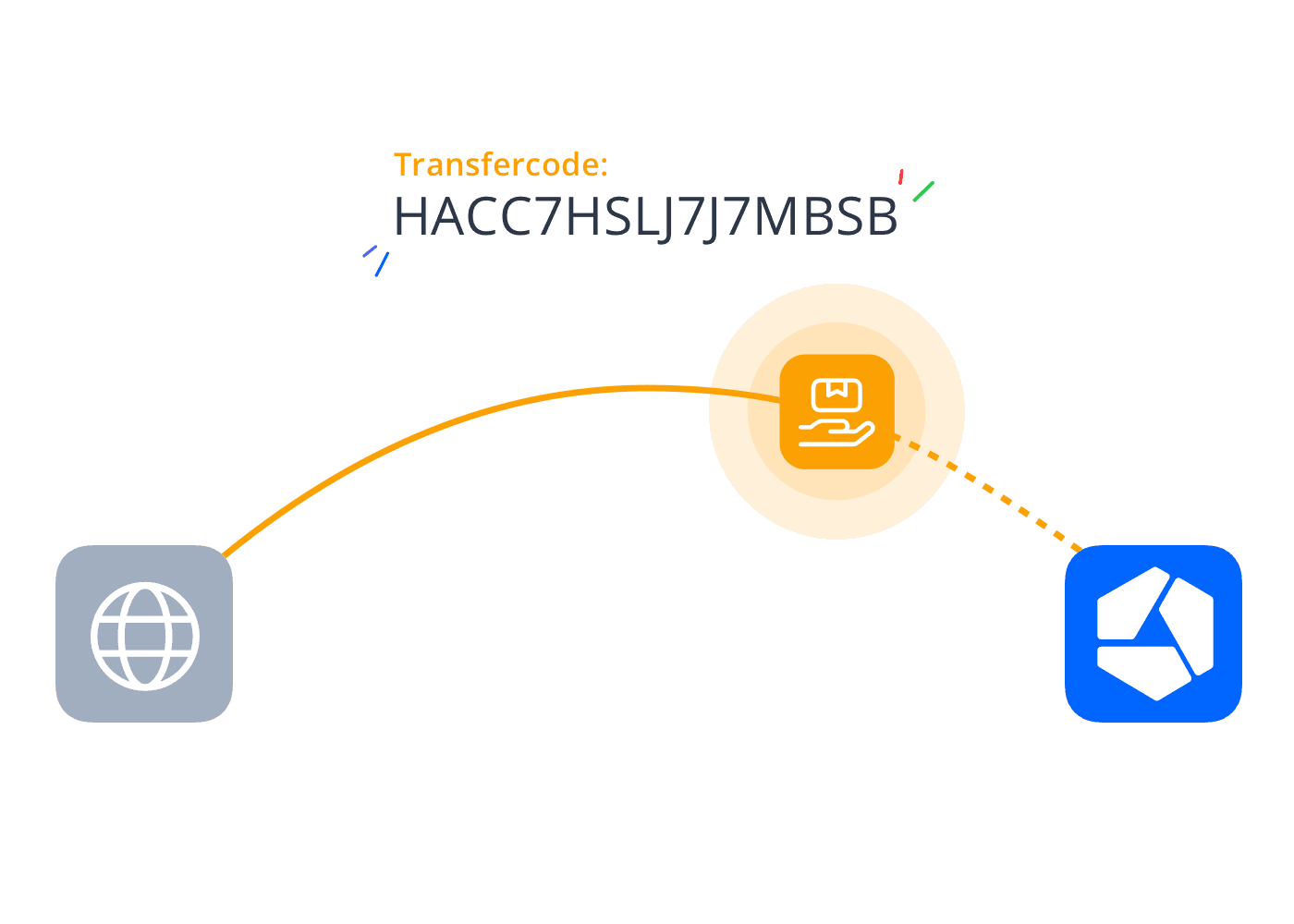
Enter the transfer code for your domain.
Enter your transfer code before finalizing your order to confirm you own the domain. You can get the transfer code (or authorization code) from your current provider.
Don't have a transfer code yet? You can send it to us later.
PHASE 4
Finalize your domain transfer request.
Thanks for choosing us. We're excited to get everything ready for you and make sure your transfer goes smoothly.
In the meantime, your domain name will continue to run just as it should.
Customer feedback that inspires our journey.
Превосходно

1,579 reviews on


Мы перешли с веб-хостинга на VPS-сервер из-за требований к объему памяти для нашей платформы. Перенос прошел гладко, а команда поддержки отлично справилась со своей работой. Спасибо, Pladinum!

С помощью команды WordPress они проанализировали и быстро исправили стабильность работы нашего интернет-магазина с помощью некоторых плагинов. У меня есть хостинг и опция CDN с Pladinum.

Ведение интернет-магазина с более чем 10 000 товаров, который был немного устаревшим. Оптимизация макета (новый дизайн) и оптимизация процесса оплаты для европейских клиентов. Мы очень довольны работой разработчиков Pladinum. Спасибо вам, команда!

Наш сайт уже 3 года находится на хостинге и обслуживается компанией Pladinum. Мы решили перейти на веб-магазин с маркетингом, и вот уже год он работает очень хорошо. Удивительная поддержка, очень дружелюбная и быстро реагирующая.
Ведение интернет-магазина с более чем 10 000 товаров, который был немного устаревшим. Оптимизация макета (новый дизайн) и оптимизация процесса оплаты для европейских клиентов. Мы очень довольны работой разработчиков Pladinum. Спасибо вам, команда!
Frequently asked questions.
We're here to help. Our support team is here to answer your questions before you step into the digital world.
Need domain help?
Ask a specialist
 English
  Shqip
Shqip  Беларуская мова
  Български
  Bosanski
  Català
  Hrvatski
  Čeština
  Dansk
Dansk  Nederlands (Formeel)
  Nederlands (België)
  English (Australia)
  English (Canada)
  English (New Zealand)
  English (South Africa)
  English (UK)
  Eesti
Eesti  Suomi
Suomi  Français de Belgique
  Français du Canada
  Français
  Deutsch (Österreich)
  Deutsch
  Deutsch (Schweiz)
  Magyar
  Íslenska
  Italiano
  Bahasa Indonesia
  Latviešu valoda
  Lietuvių kalba
  Norsk bokmål
  Polski
  Português do Brasil
  Português
  Română
  Русский
  Српски језик
  Slovenčina
  Slovenščina
  Español de México
  Español de Chile
  Español
  Español de Venezuela
  Español de Costa Rica
  Español de Ecuador
  Español de Perú
  Español de República Dominicana
  Español de Uruguay
  Español de Colombia
  Español de Argentina
  Svenska
  Türkçe
  Tiếng Việt
  العربية
  Հայերեն
  简体中文
简体中文  繁體中文
繁體中文  ქართული
  Ελληνικά
  עִבְרִית
  हिन्दी
  日本語
日本語  한국어
한국어  فارسی
فارسی  كوردی
كوردی  Українська
  ไทย
ไทย